
How Food Manager sorts your list without leaving your phone
Every item you add is put into one of your own categories by a small AI model that runs on your phone. Here is how that works, and why it stays there.
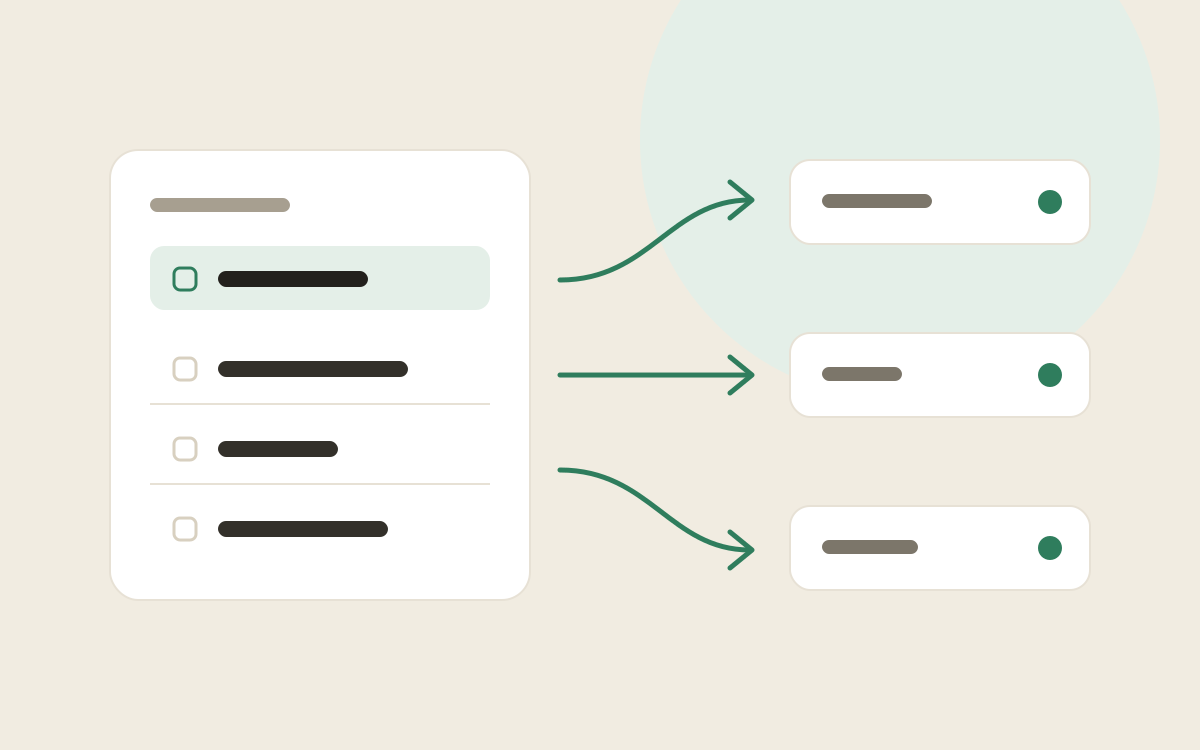
Type “halloumi” into Food Manager and it lands under Dairy. Type “bin bags” and it goes to Household. You don’t pick a category, and you don’t wait for a server to answer, because there isn’t one involved.
A small model, on your phone
Food Manager ships with a compact language model built for phones. When you add an item, the app turns its name into a short list of numbers that captures what it means, then compares that with things it already knows:
- Your own corrections. If you have ever moved an item to a different category, that counts for the most.
- A built-in grocery dictionary of everyday items and where they usually belong.
- The names of your categories, so a category called “Baby” attracts nappies and wipes without any setup.
The category with the closest matches wins. It typically takes a fraction of a second.
It learns your shop, not someone else’s
Categories are yours. Rename them, add “Party supplies” or “Corner shop”, and put them in the order you walk the aisles. If Food Manager puts oat milk in Drinks and you’d rather it went in Dairy, move it once. Next time, it remembers.
Why it stays on the phone
Your shopping list says a lot about your home. Sorting it on the phone means the app works in a basement supermarket with no signal, and nothing you type is sent anywhere to be sorted. Your list only reaches our server if you choose to share it with someone or link Alexa.