One list for the whole household
Stop texting each other “do we need milk?” Share a Food Manager list with a one-time code and everyone shops from the same list.
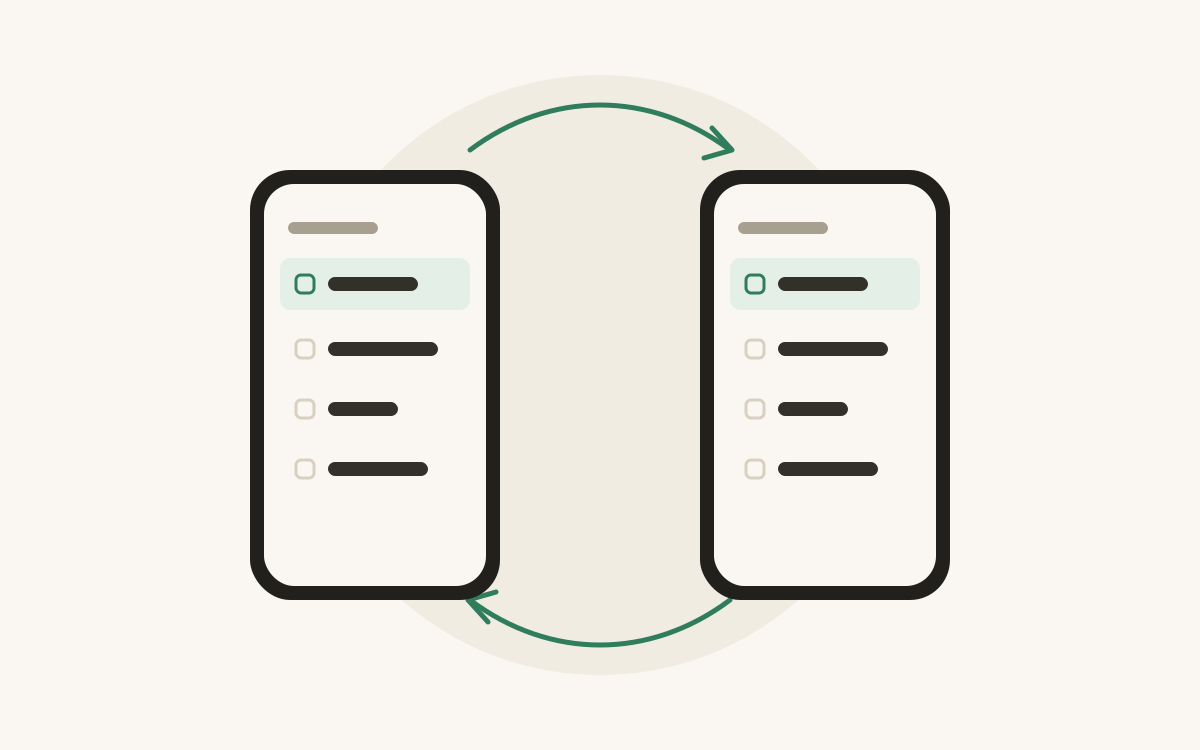
The classic household shopping problem: two people, two lists, three bottles of ketchup.
Food Manager lets you share a list so everyone in the house adds to, and shops from, the same one.
How to share a list
- Open the list you want to share, open its options and choose Share List.
- Food Manager gives you a 5-digit invite code. Send it however you like.
- The other person opens Food Manager, chooses Redeem invite code, and types it in.
The code works once, so it can’t be passed on and reused.
What everyone sees
Anything one person adds shows up for everyone, already sorted into categories. When someone strikes an item through in the shop, the others can see it’s handled. The list refreshes when you open it, while it’s on screen, and when you pull down.
Lists stay private until you share them
Every list starts on your phone only. Sharing is a deliberate step: only a shared list is kept on our server, and only the people you gave a code to can see it. Your other lists stay on your phone.