All posts
Add to your list with Alexa
Link Food Manager to Alexa and add items by voice while your hands are full. Here is how to set it up in a couple of minutes.
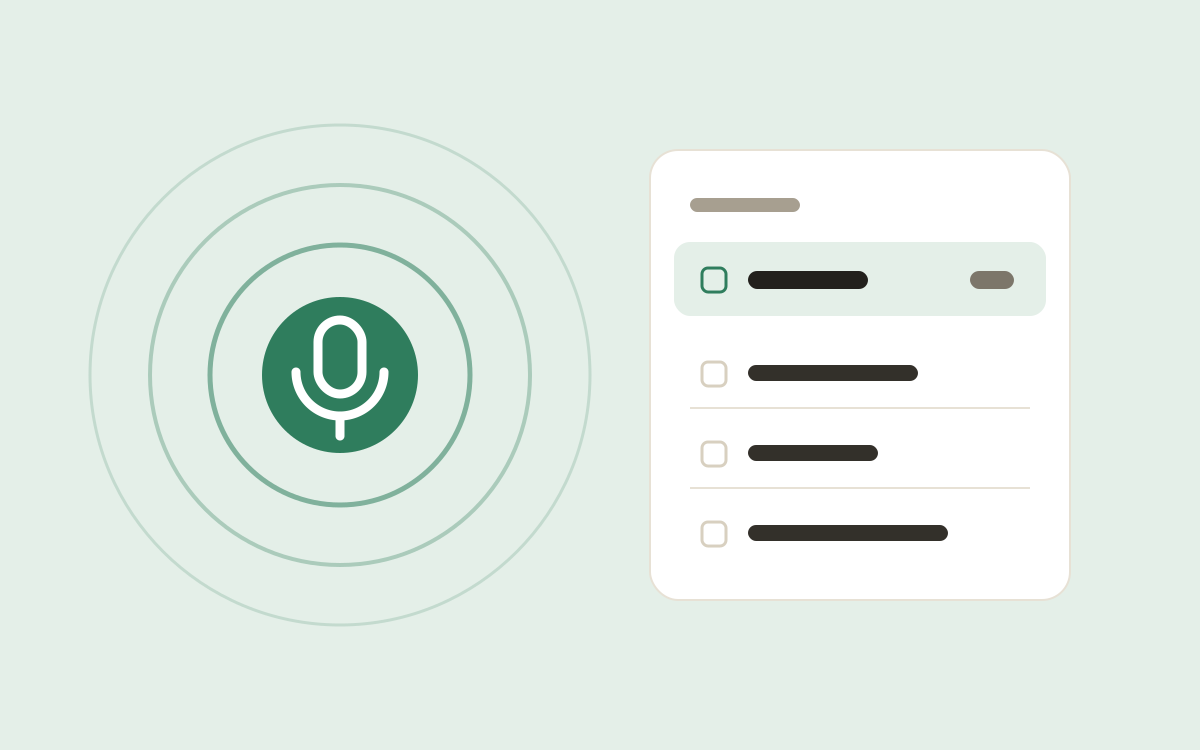
You notice the eggs are running low just as you crack the last two into a pan. With Alexa linked, you can just say:
“Alexa, ask Food Manager to add eggs.”
It’s on your list the next time you open the app, sorted into the right category like anything you type.
Setting it up
- In Food Manager, open Settings and choose Connect to Alexa.
- Open the Alexa app, find the Food Manager skill and enable it.
- Sign in there with the same method you use in Food Manager: Amazon, Google, Microsoft or an email code.
- Come back to Food Manager and tap Check connection.
That’s it. If you have more than one list, Food Manager asks which one Alexa should add to.
Things you can say
- “Alexa, ask Food Manager to add milk.”
- “Alexa, ask Food Manager to add two lemons.”
- “Alexa, ask Food Manager to put bread on my shopping list.”
What linking means for your data
Linking Alexa is optional. The list Alexa adds to is kept on our server so that Alexa and your phone can both reach it. Every other list stays on your phone. You can disconnect at any time from Settings.